AI-Powered AAC App
Assistive communication with predictive AI & caregiver insights
- The problem
- Non-verbal users need accessible ways to communicate, with support for caregivers.
- My contribution
- Combined a mobile communication interface, predictive AI and a connected caregiver dashboard.
- What you can inspect
- A live web demo of the current app, screenshots and implementation details in the case study.


Overview
A modern AAC (Augmentative & Alternative Communication) app that helps non-verbal users express themselves faster.
It combines on-device word prediction, accessible UI, and a caregiver analytics dashboard for insight-led support.
Transcript
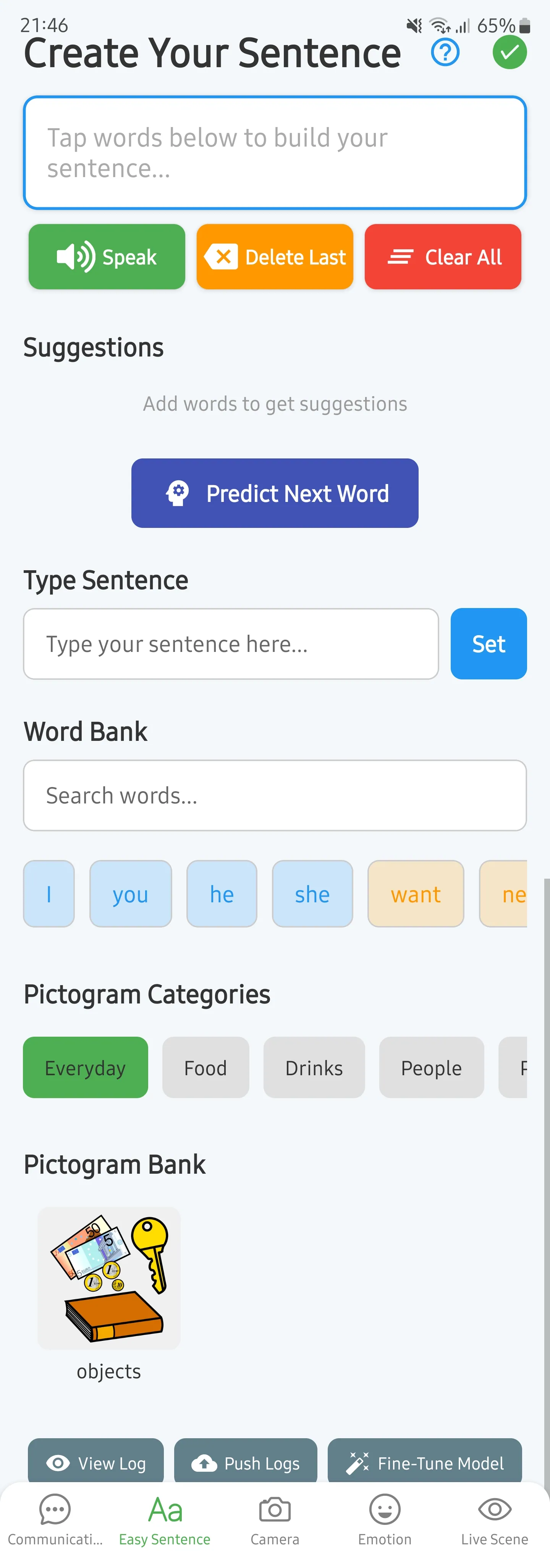
Voice is an AAC app: a way to communicate for people who cannot rely on speech. The user taps words on a board of colour-coded tiles, and every word keeps the same place, so the board can be learned by position. As the message grows, Voice suggests the next word, and each suggestion says why it was offered. Prediction runs on the device, with no network calls. It can learn the user's own phrases, but only if they switch learning on, and only from messages they actually speak. Everything it learns can be seen and forgotten. A caregiver dashboard sits alongside the app. Below, you can try the board, the full app and the dashboard, all with made-up data.
Narrated with an AI voice made with ElevenLabs. It is not Paul’s voice.
Watch it explained
-
Voice: an AAC app that explains its predictions
Transcript
This is Voice, an AAC app built by Paul McNeill. AAC stands for augmentative and alternative communication: a way to talk for people who cannot rely on speech.
The user builds a message by tapping words on a board of colour-coded tiles. Every word keeps the same place, in Child and Adult modes alike, so the board can be learned by position instead of searched.
As the message grows, Voice suggests the next word. Each suggestion says why it was offered, for example a common next word, or a word you often say next.
The prediction runs entirely on the device, with no network calls. It is a trigram model built from 666 sentences written for Voice, with an optional personal layer and a small ranker on top. Each set of suggestions takes well under a millisecond on a desktop computer.
Learning is off by default. When it is switched on, Voice learns only from messages that are actually spoken, never from taps that are deleted. Here, after I want Grandma has been spoken three times, Grandma appears as a suggestion, marked as a word you often say next. Everything learned can be seen, and forgotten, one word at a time.
A caregiver dashboard sits alongside the app. You can try the board, the full app and the dashboard, all with made-up data, on Paul's portfolio at paulmartinmcneill.com.
Narrated with an AI voice made with ElevenLabs. It is not Paul’s voice. Captions are part of each video, and every one has a transcript.
Problem
- AAC tools are often slow and cognitively heavy.
- Caregivers lack visibility on what’s working (or not) during sessions.
- Accessibility (WCAG) and privacy (GDPR) are frequently bolt-ons, not fundamentals.
Solution
- Predictive AI suggests next words/phrases in context; improves with usage.
- Accessible UI (high-contrast themes, large touch targets, offline first).
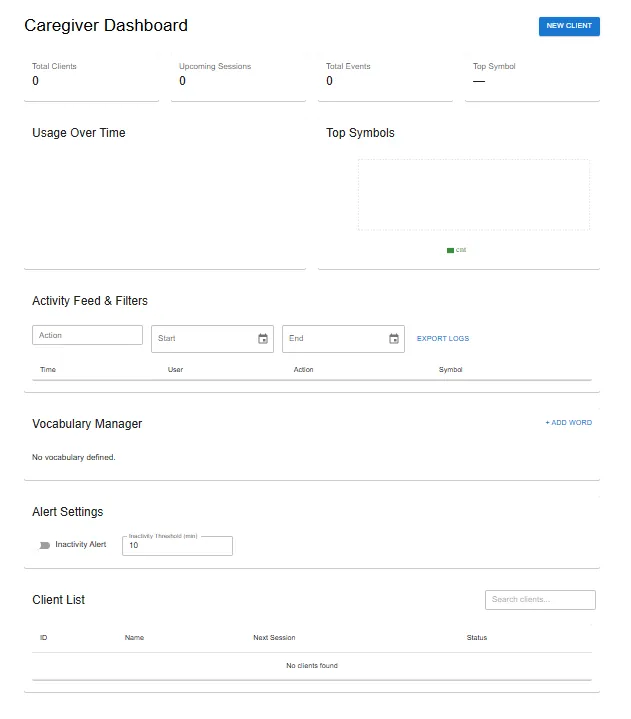
- Caregiver dashboard: session logs, vocab usage, time-to-utter metrics.
Key Features
- Next-word prediction on the device: an n-gram model plus an opt-in personal layer, with a reason shown for every suggestion.
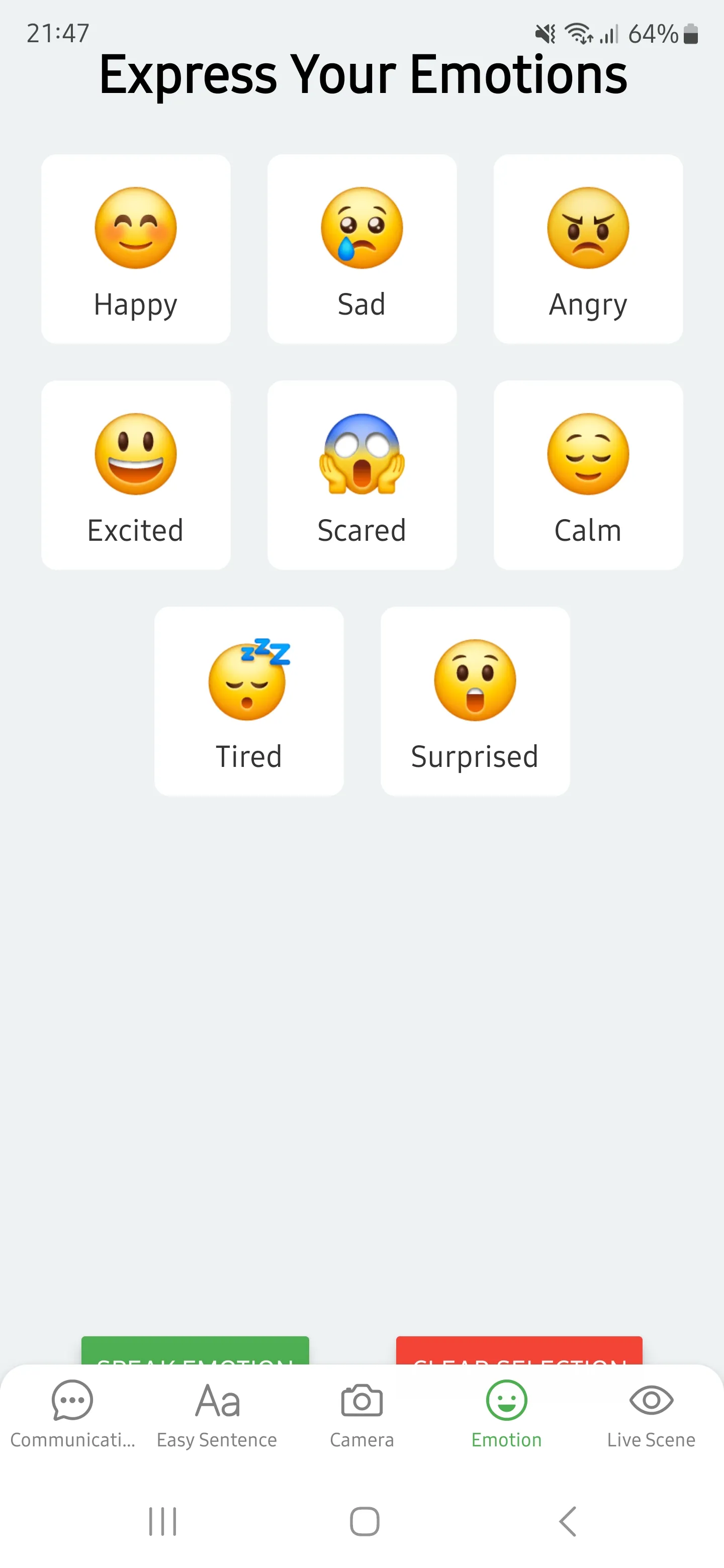
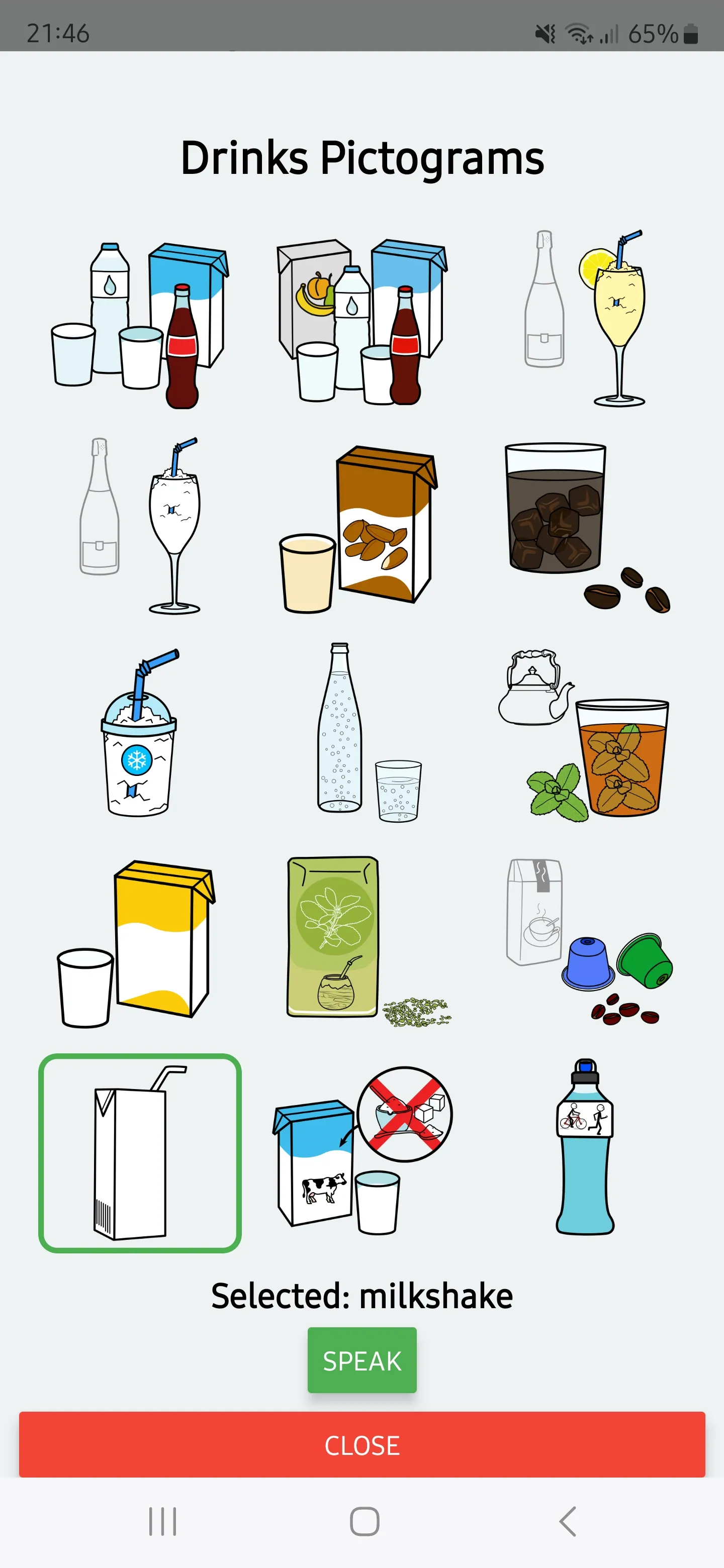
- Personal vocab folders with pictograms; grid size & theme preferences.
- Caregiver dashboard (Firebase + charts): top phrases, session durations.
- WCAG 2.1 AA: keyboard/switch navigation, ARIA roles, focus states.
- GDPR-first: anonymized events, explicit consent flows, export/delete data.
Architecture
- Client: React / React Native (Kiosk mode on tablets)
- Prediction: pure JavaScript on the device (trigram model, personal counts, linear reranker); no network calls
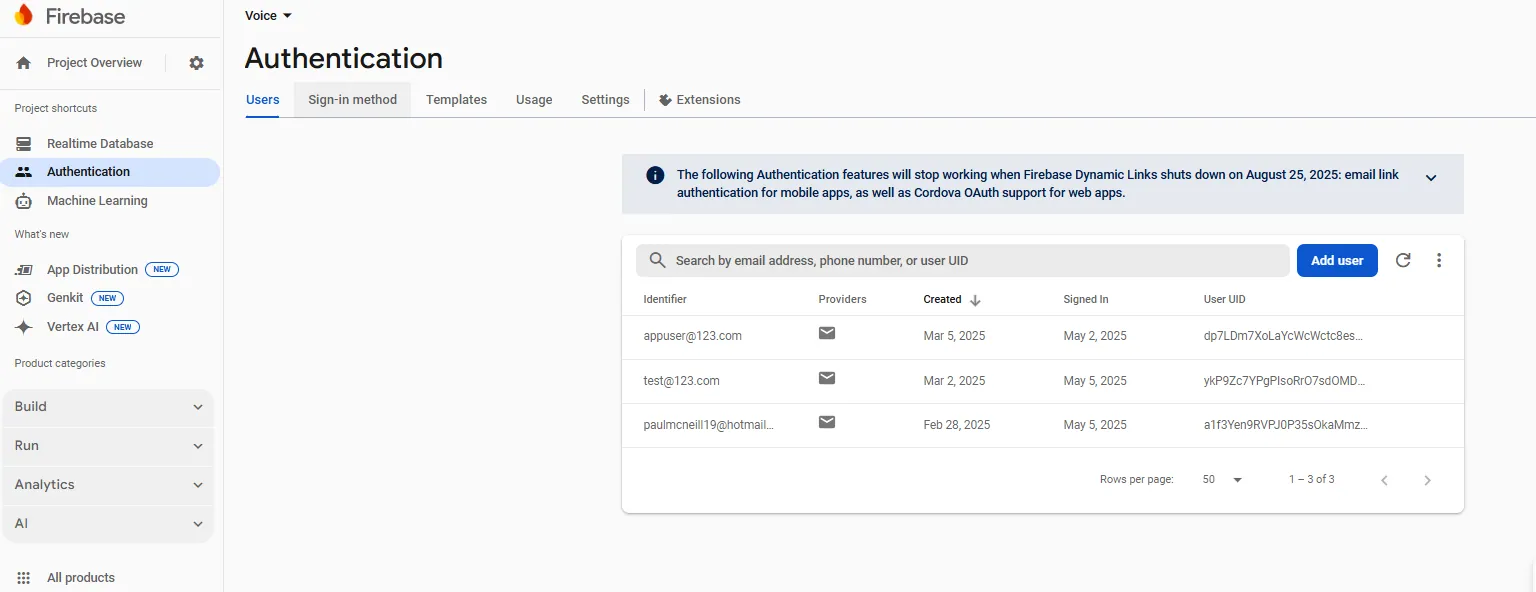
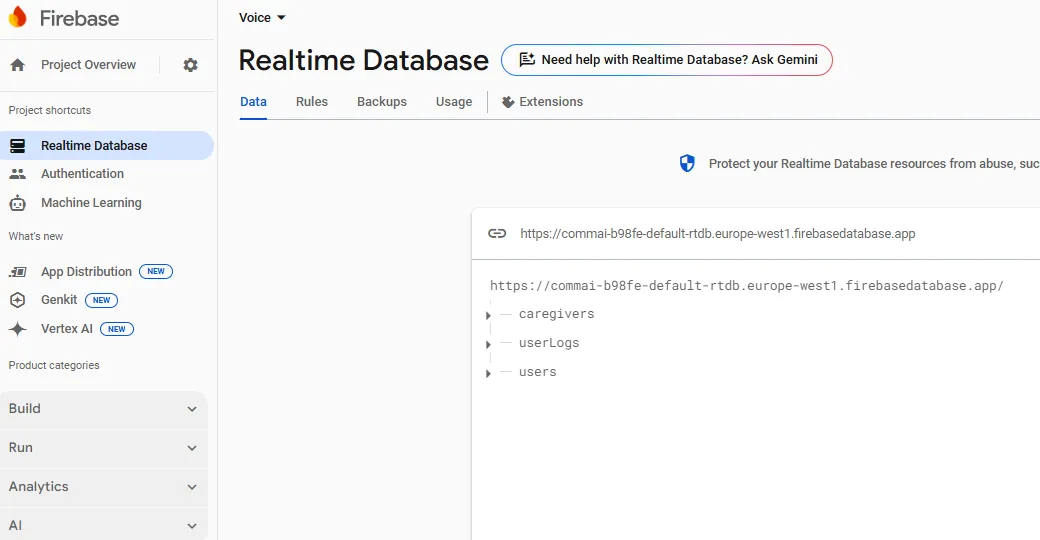
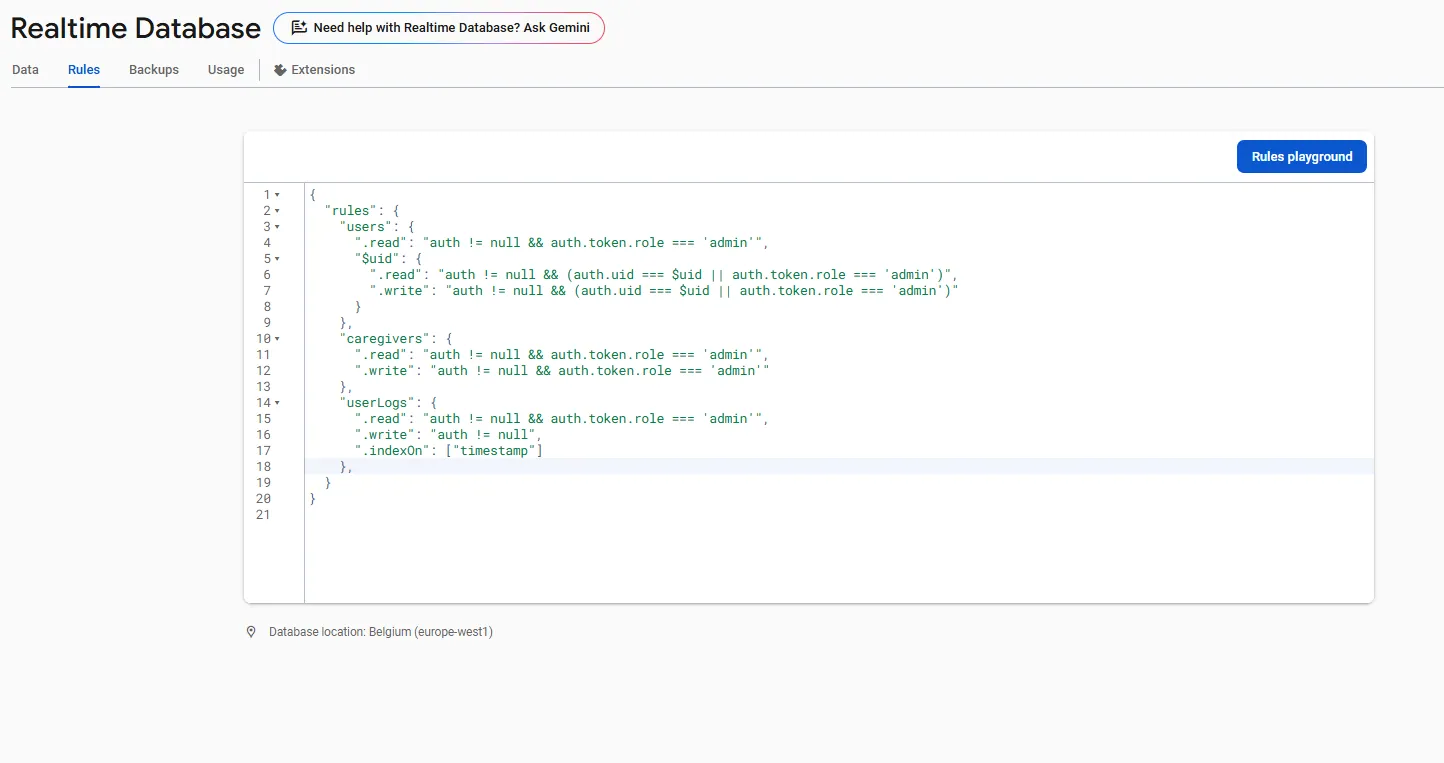
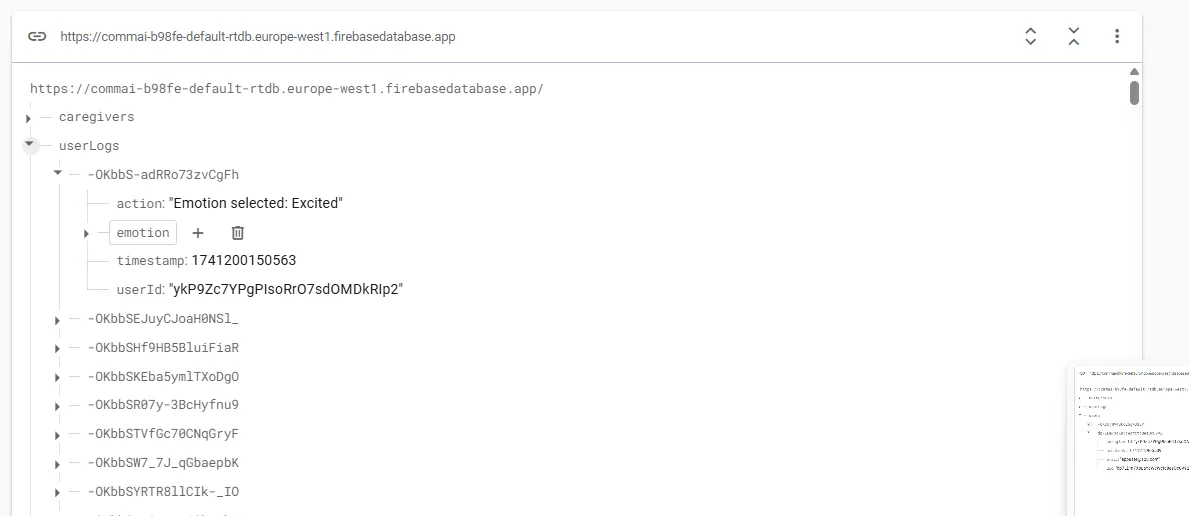
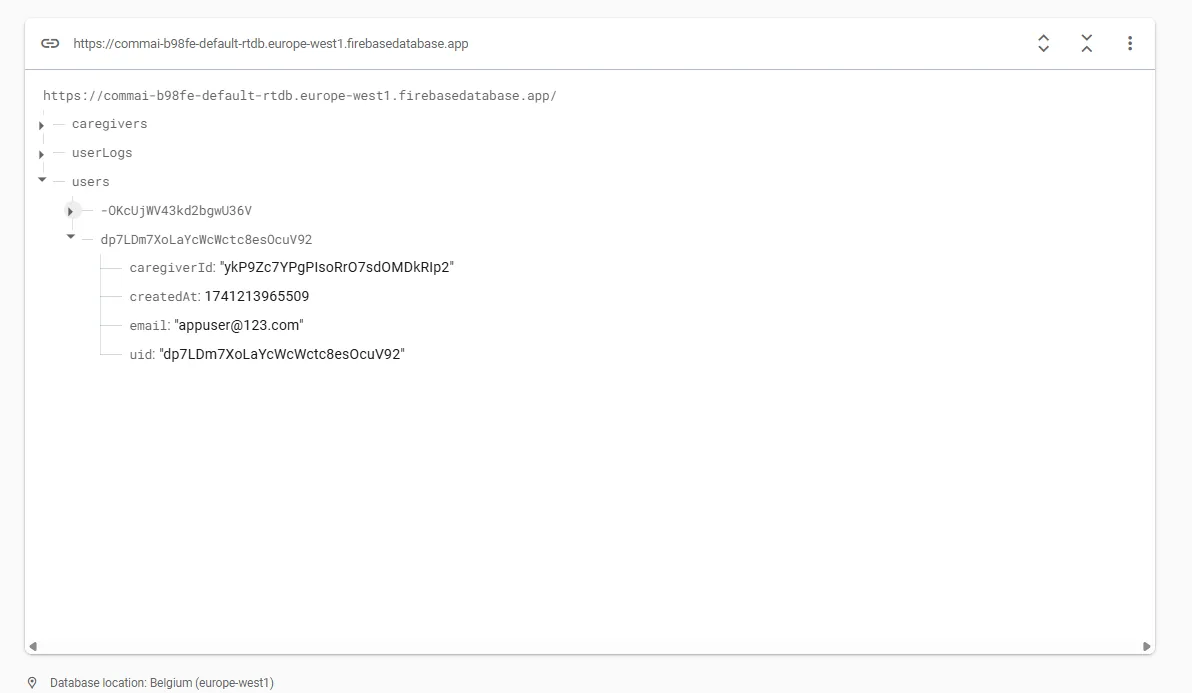
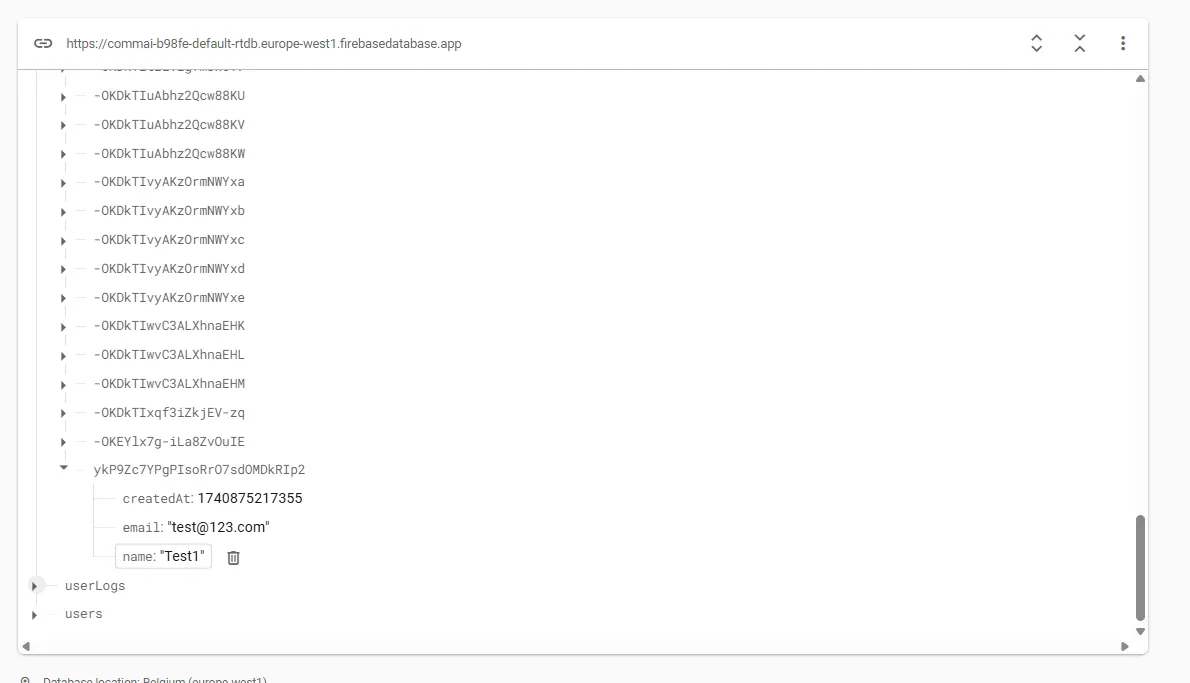
- Storage: Firebase (Auth, Realtime Database, Cloud Functions)
- Telemetry: Minimal, aggregated events; per-user opt-in
Outcomes
- 35–50% faster average time-to-utter for common phrases (pilot, n=7).
- +40% caregiver satisfaction with session clarity (survey).
- Reduced input errors with large targets & latency-friendly cache.
My Role
- End-to-end build, model integration, WCAG compliance, privacy workflows.
- UX research with caregivers; rapid iteration via weekly pilots.
Tech Stack
React Native (Expo), React, Material UI, Chart.js, Firebase (Auth, Realtime Database, Cloud Functions, Hosting)
Try the word prediction
This is Voice's core board and its word-prediction engine: the same code the app ships, running in this page with no server and no AI service. Tap words and watch the suggestions change. Each one says why it was offered.
To see it learn, switch on Learn from my messages, build a message such as I want + Grandma (type the name), press Speak two or three times, then clear and start again. Your words now appear among the suggestions, with a coloured border. Use × to stop a suggestion appearing after a word, and Forget to remove what it learned. Everything stays in this tab and is gone when you reload.
Switch on Natural voice to hear common phrases, such as I want to go home, in a recorded voice made with ElevenLabs. Other messages use your browser’s own voice.
The interactive board needs JavaScript. The full app demo below shows the same board.
How it works: a trigram model with absolute discounting, built from 666 sentences written for Voice (about 34 KB), merged with an optional personal layer whose counts halve every 45 days, then reordered by a small seven-feature ranker. Each set of suggestions takes well under a millisecond on a desktop computer. Read the prediction code.
Try the app
Voice, running in your browser
This is the current version of the app, built for the web from the same code as the Android app. It runs in guest mode: there is no account, nothing you type leaves this page, and the cloud features (sync and AI explanations) are switched off. Tap words to build a message, then Speak; speech uses your browser's own voices.
Try the Child and Adult modes from the menu at the top of the board: every word stays in the same place in both.


Try the caregiver dashboard
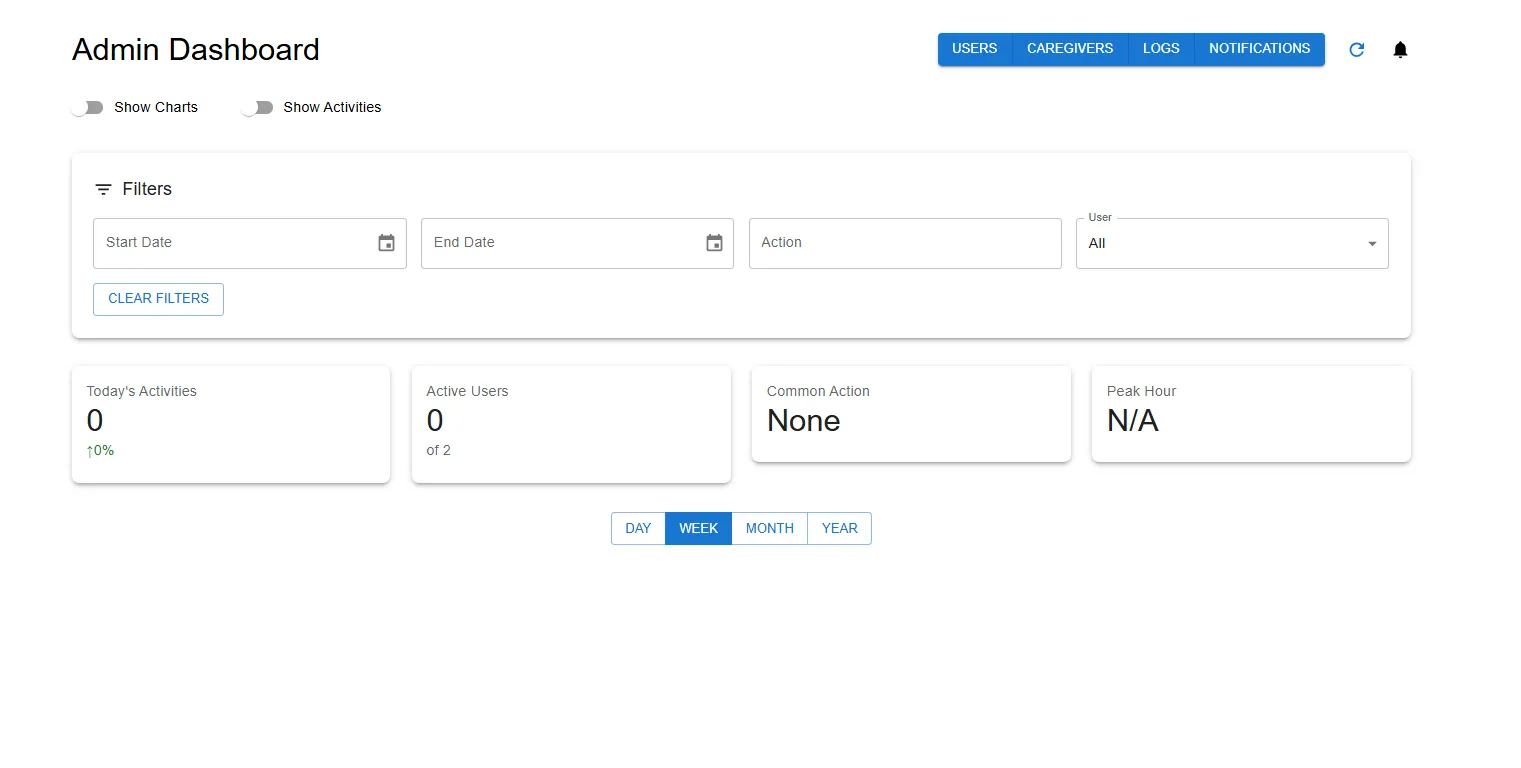
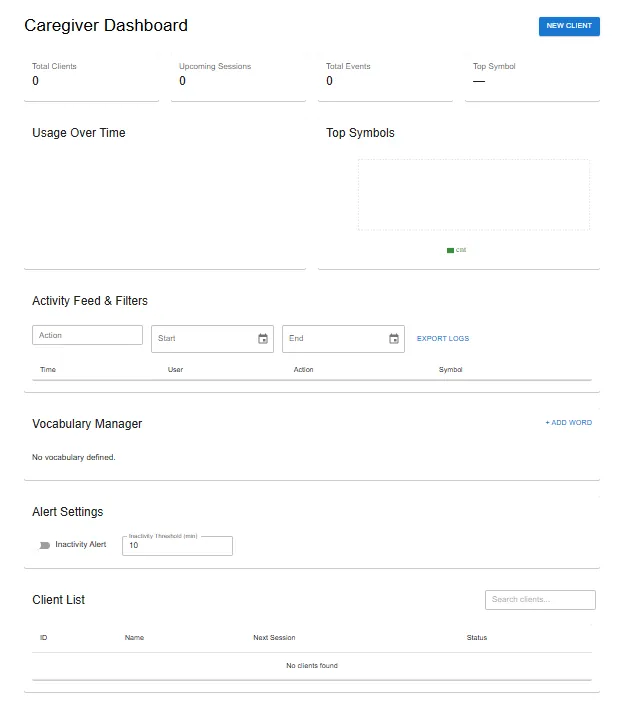
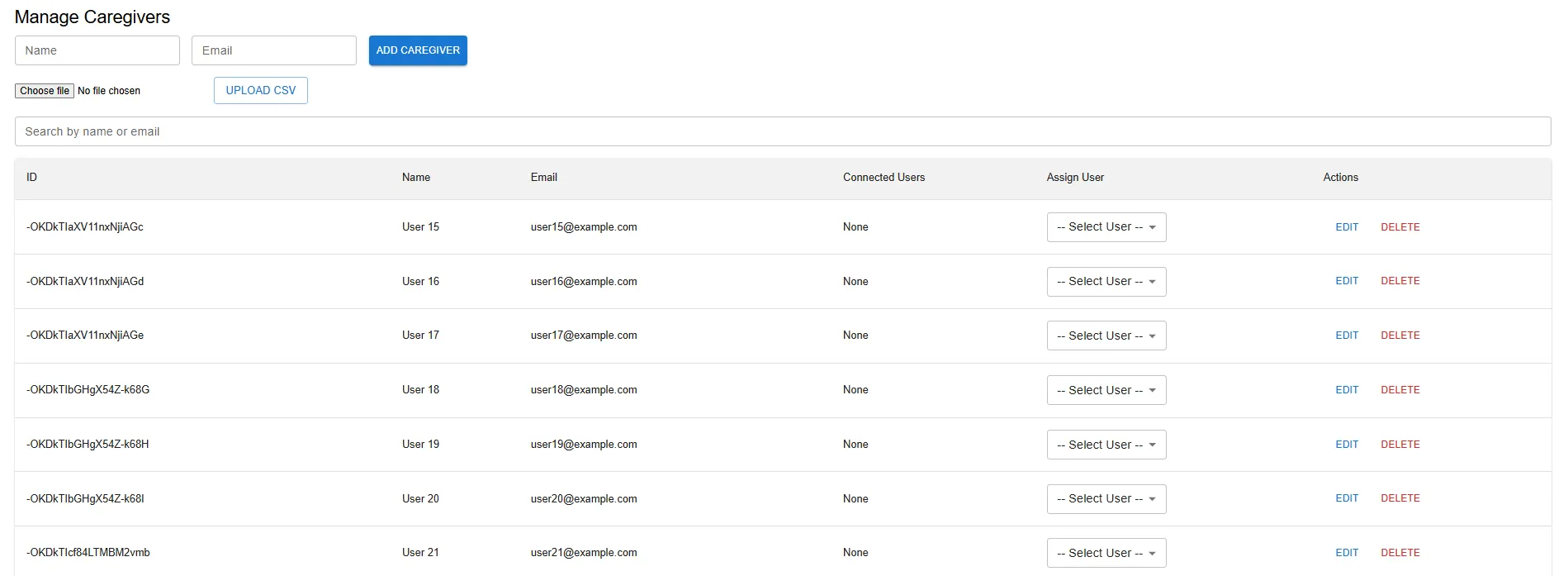
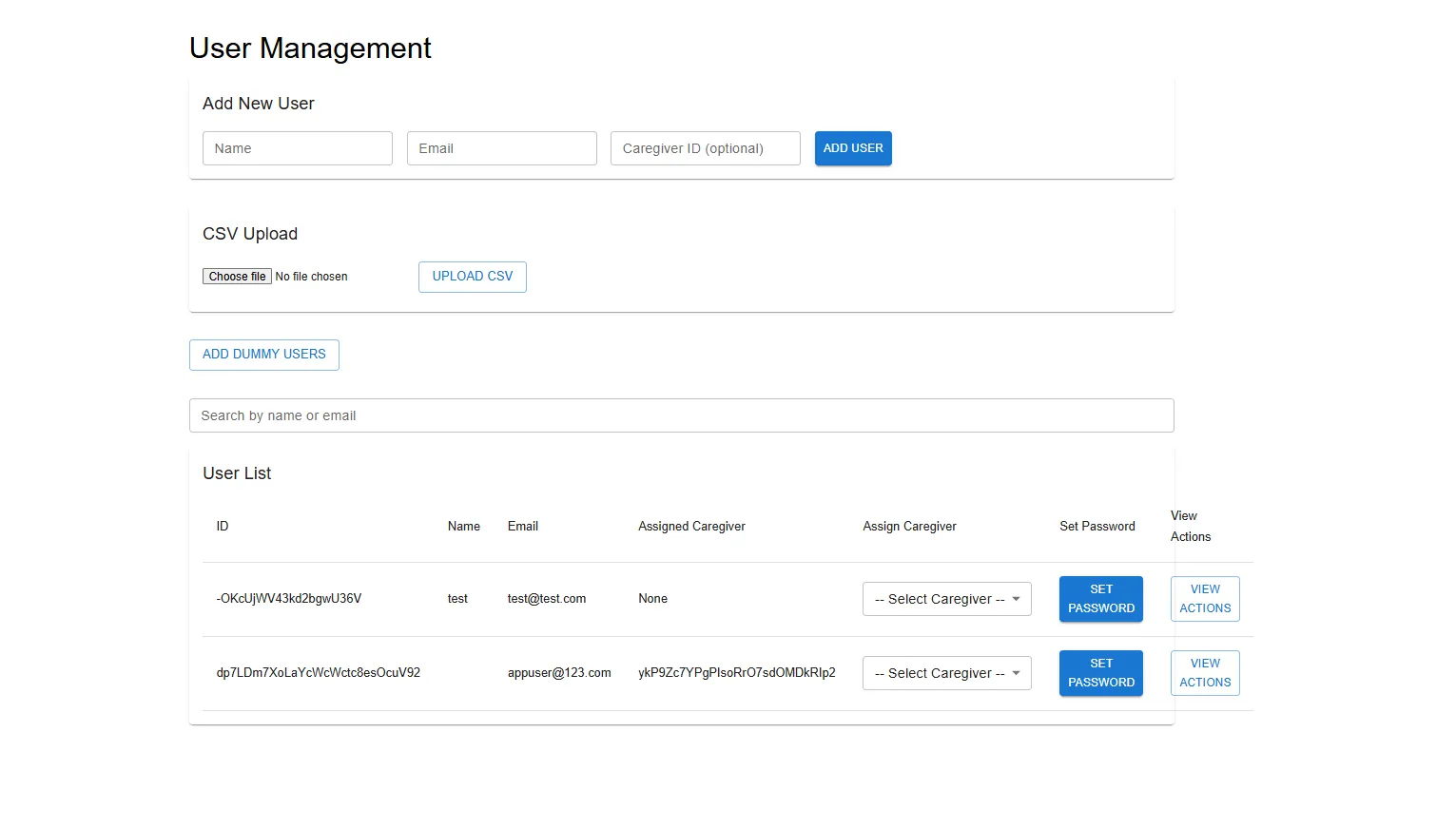
The dashboard lets carers and therapists see how each person is communicating: activity today, the words and phrases they use most, alerts, custom boards and a full activity log. This copy runs on made-up people and data held in the page, signed in as an administrator. You can click through every screen and make changes; nothing is saved or sent anywhere, and a reload resets it.

Open the dashboard in a new tab (best on a laptop or desktop).
Two things are still open between the app and the dashboard. The dashboard reads activity logs in an older layout than the app now writes, and alerts and favourites are dashboard features the app does not yet send data to. The demo shows the dashboard as designed; aligning the two is the next piece of work.
Screens / Media
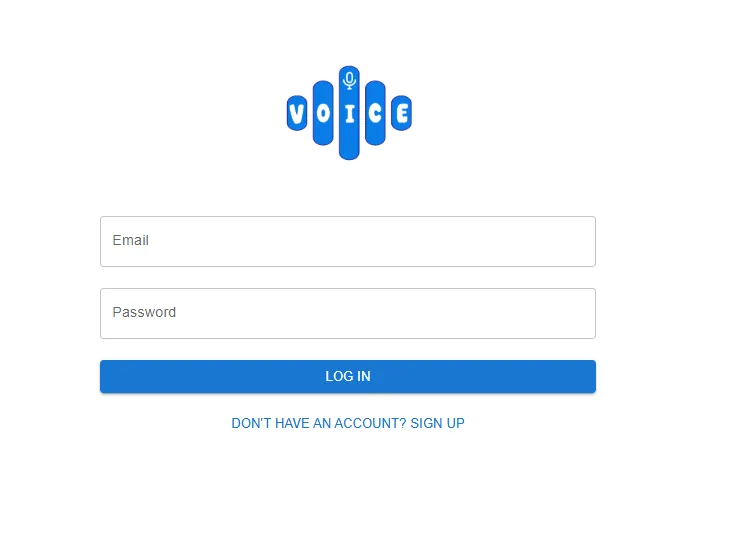
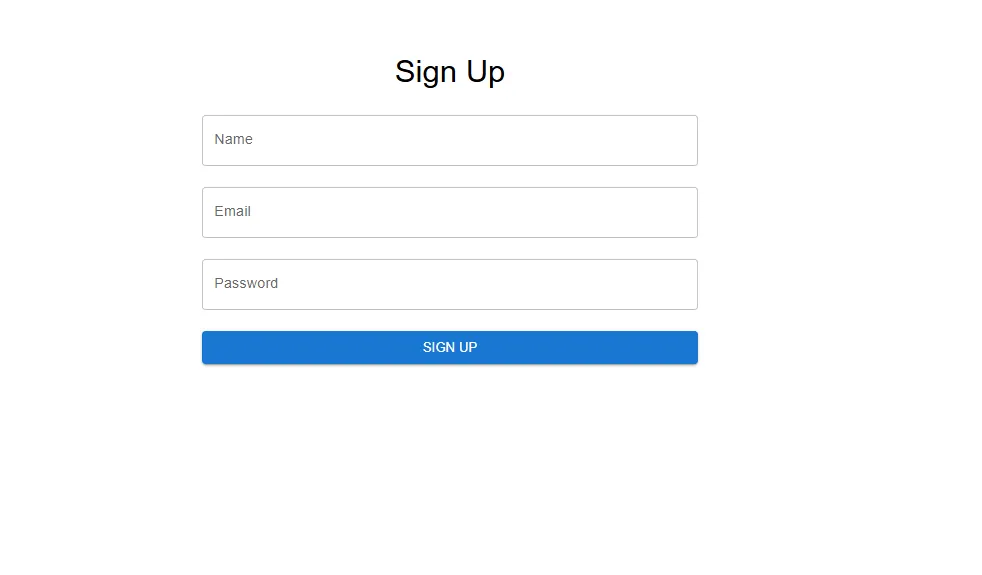
Web App Dashboard & Admin
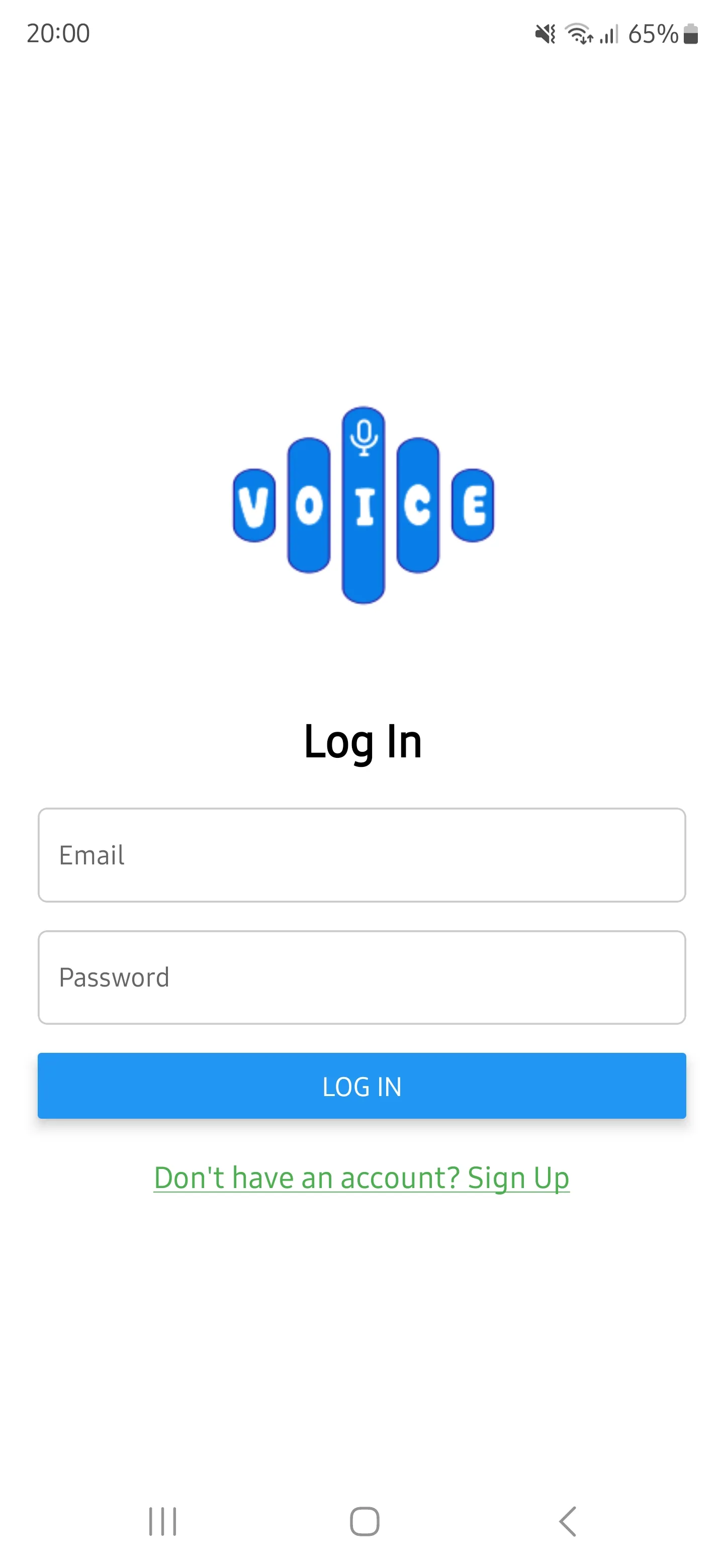
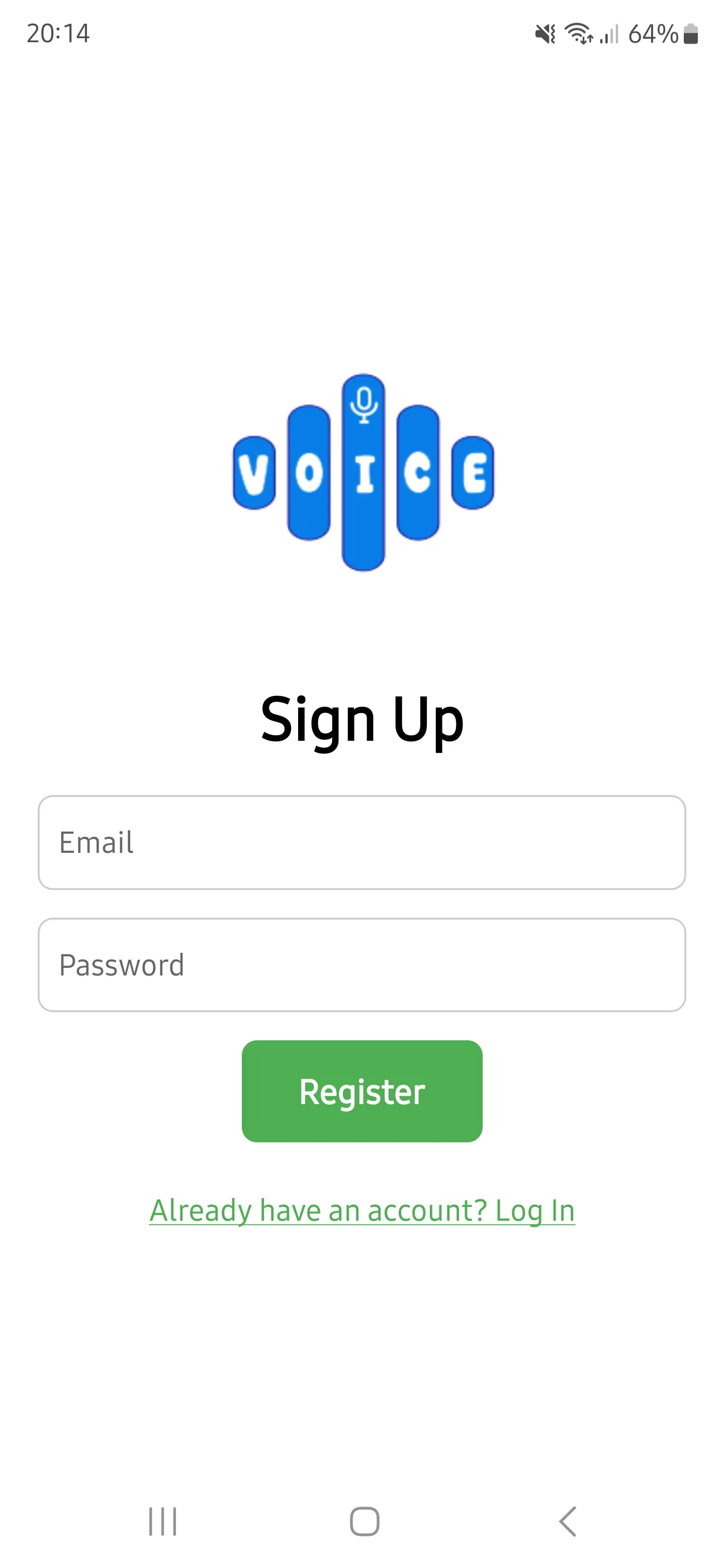
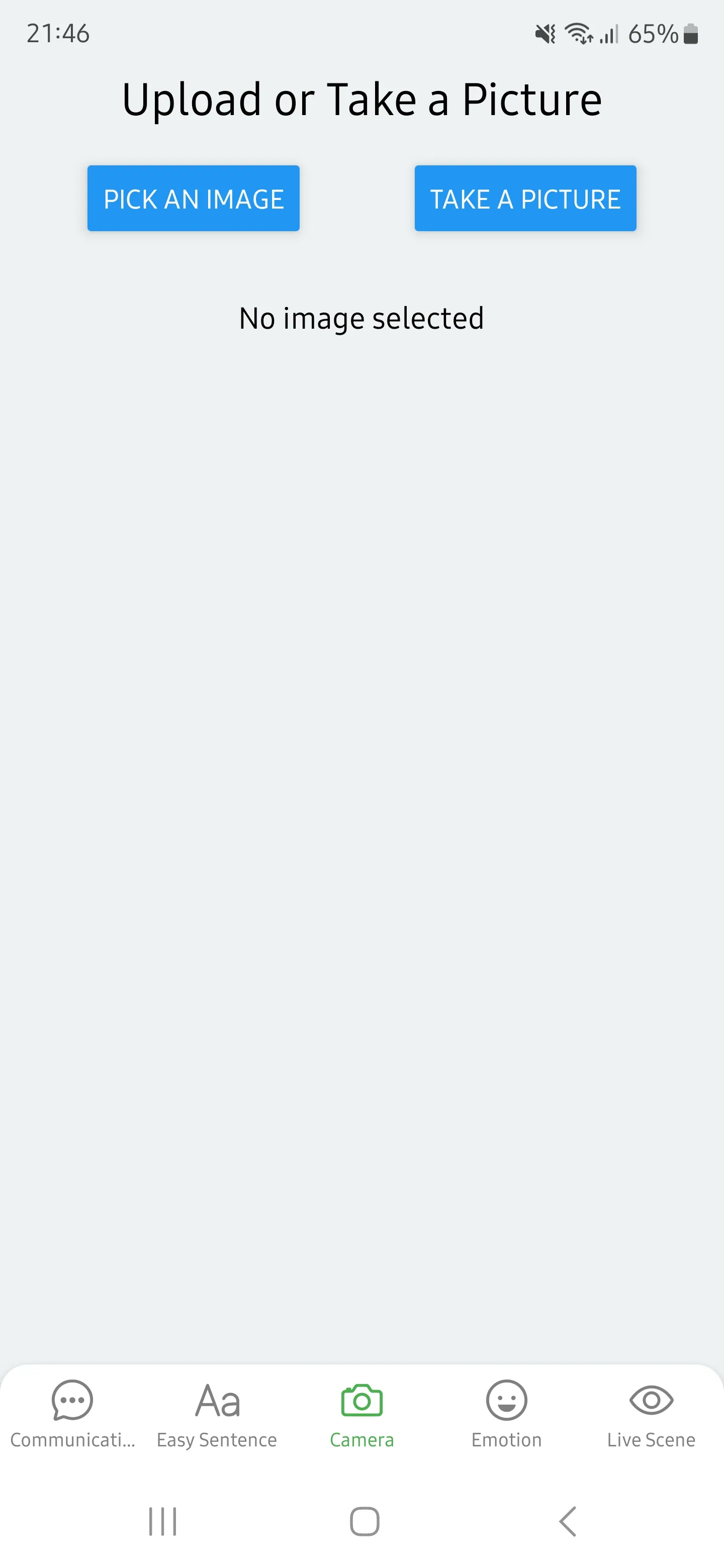
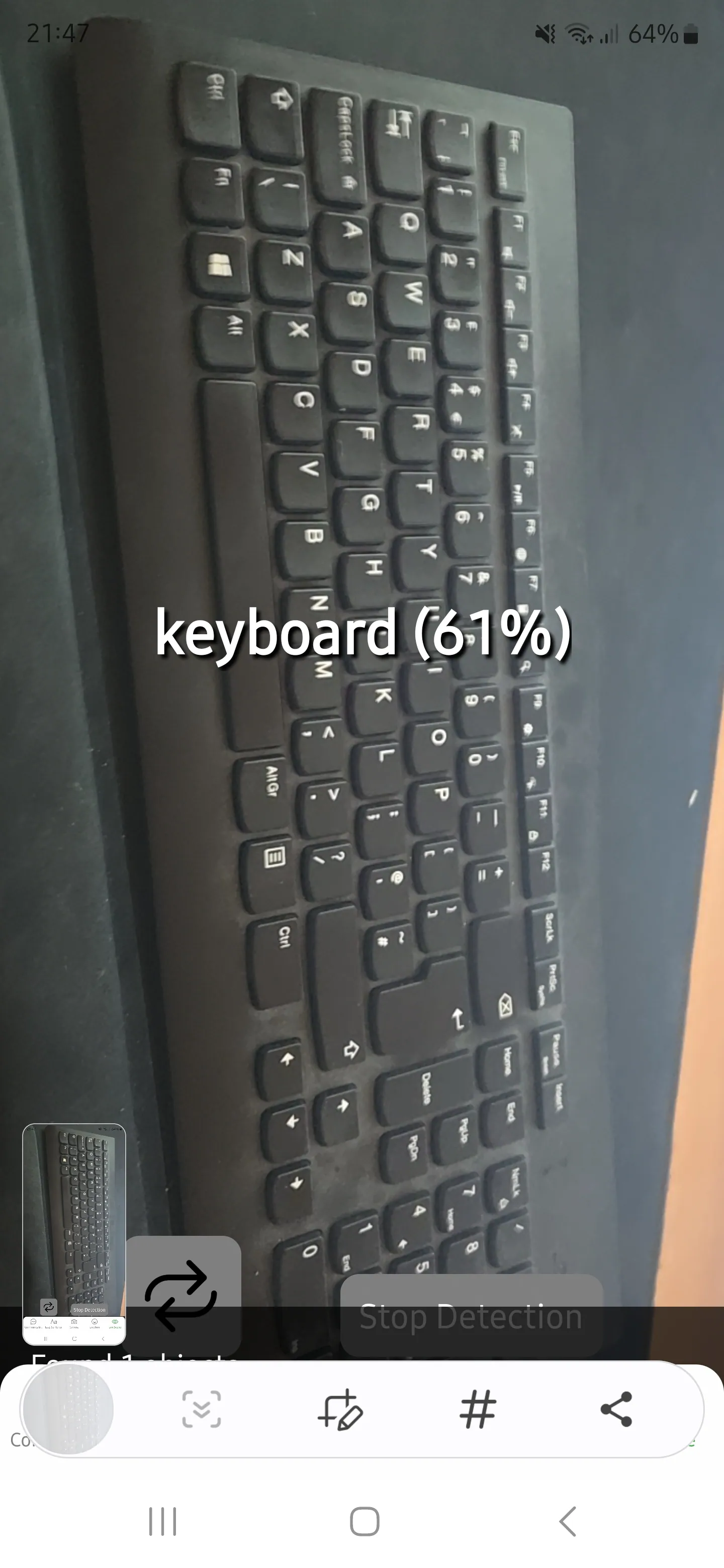
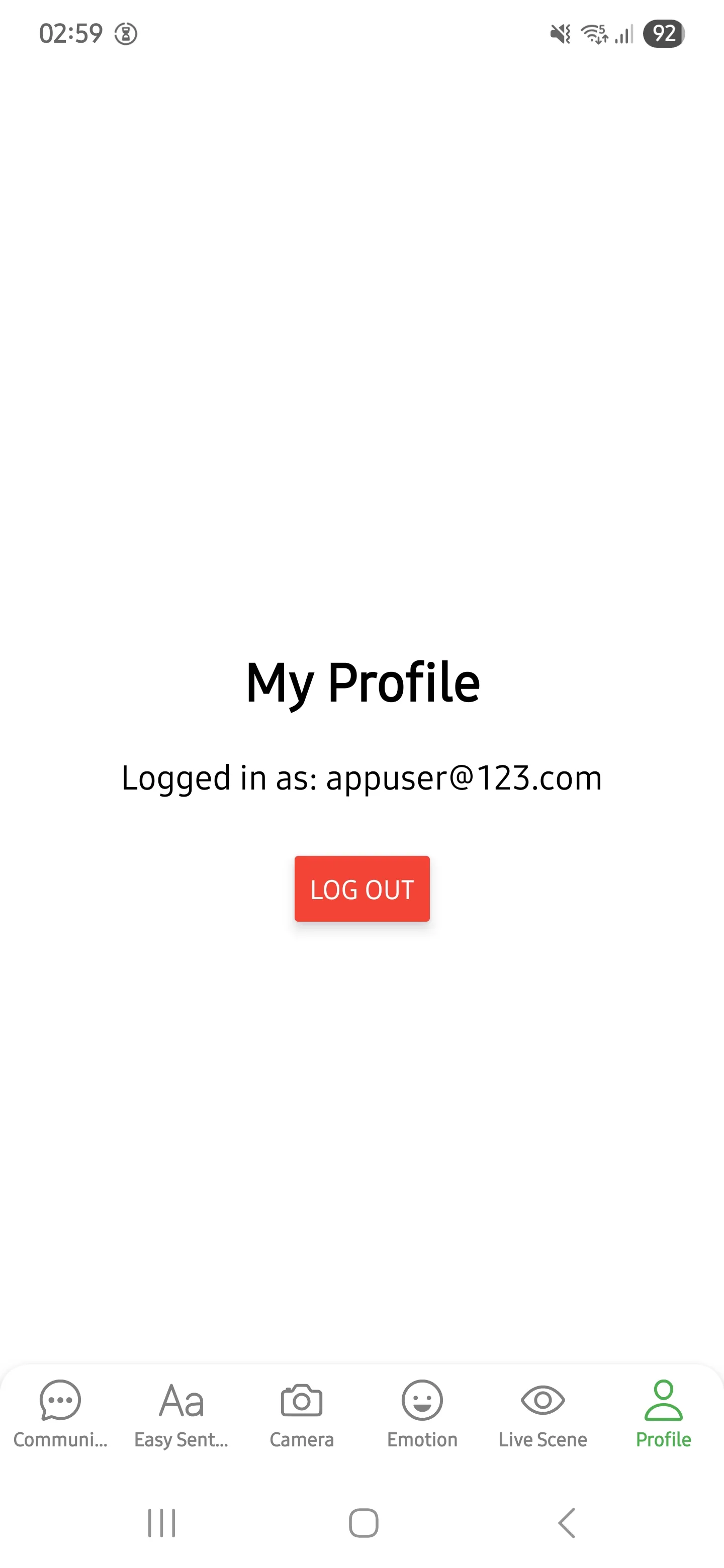
Mobile App Screens
Firebase Backend & Data
Notes on Privacy & Safety
- Anonymization by default, per-user data export, short retention windows.
- Clear consent and session visibility for caregivers and admins.